Quick answer
To connect a turntable to Bluetooth speakers, you need either a turntable with Bluetooth output or a separate Bluetooth transmitter connected after the phono preamp. Put the speaker into pairing mode, activate Bluetooth output on the turntable or transmitter, pair the two devices, then test with the volume low.
The most common mistake is assuming that any Bluetooth turntable or speaker will work in both directions. Many devices only receive Bluetooth, while you need the turntable side to transmit Bluetooth audio to the speaker.
In this guide
- How to tell whether your turntable can send Bluetooth audio
- Why a phono preamp may be needed before a Bluetooth transmitter
- The safest order for powering on, pairing and testing playback
- How to check whether each stage of the setup is working
- What to do if pairing works but the sound is quiet, distorted or delayed
- When a wired connection to powered speakers may be the better option
Watch the article video
1. Understand the signal path before you plug anything in
A record starts as a tiny vibration from the stylus in the groove. The cartridge turns that movement into a very low-level electrical signal.
That signal is usually called a phono signal. It is much quieter than the line-level signal used by most speakers, amplifiers and Bluetooth transmitters, and it also needs equalisation to sound tonally correct.
For Bluetooth playback, the final path normally looks like this:
- Turntable plays the record.
- Phono preamp raises and corrects the signal.
- Bluetooth transmitter converts the analogue audio to a wireless digital signal.
- Bluetooth speaker receives and plays it.
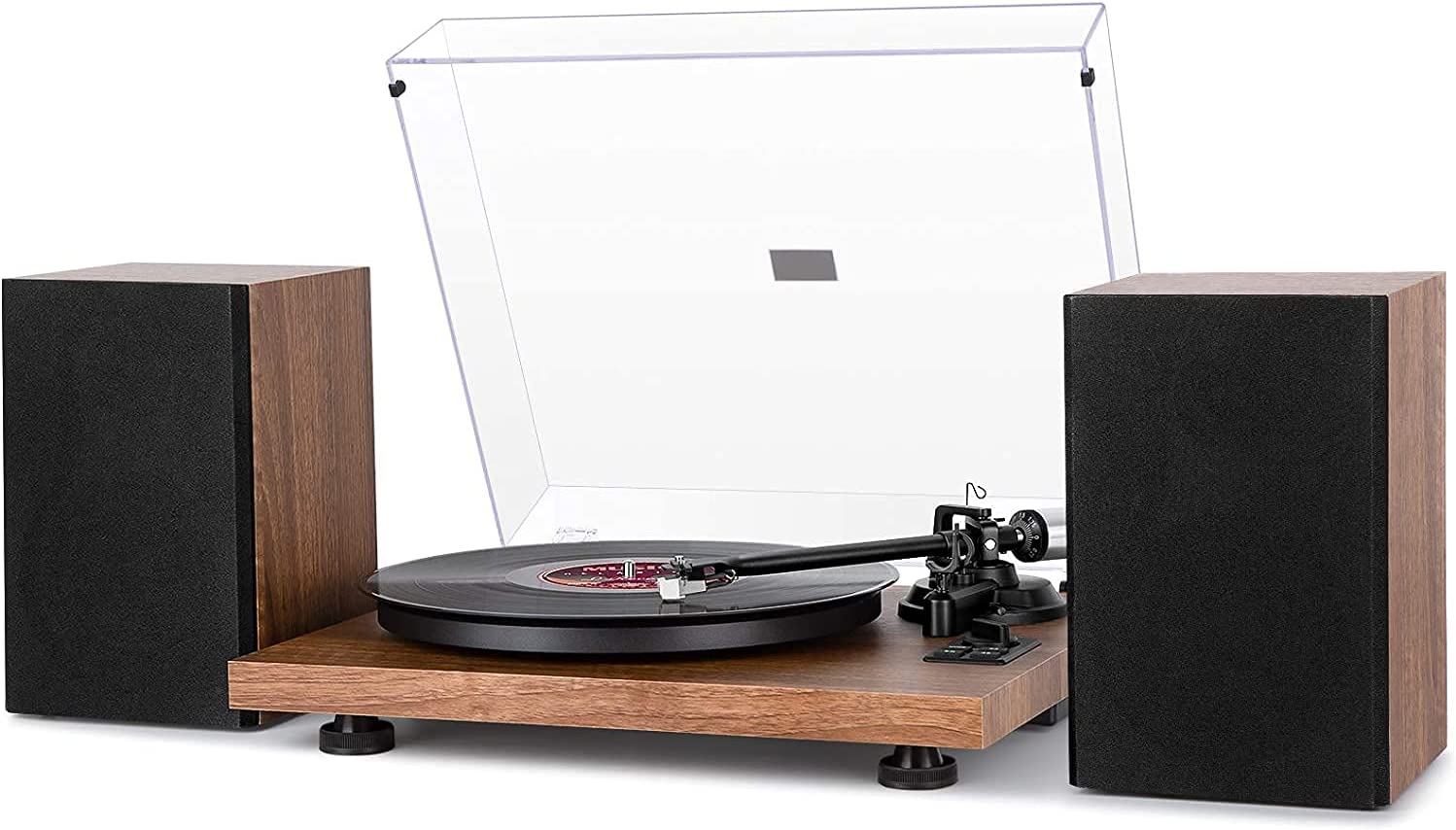
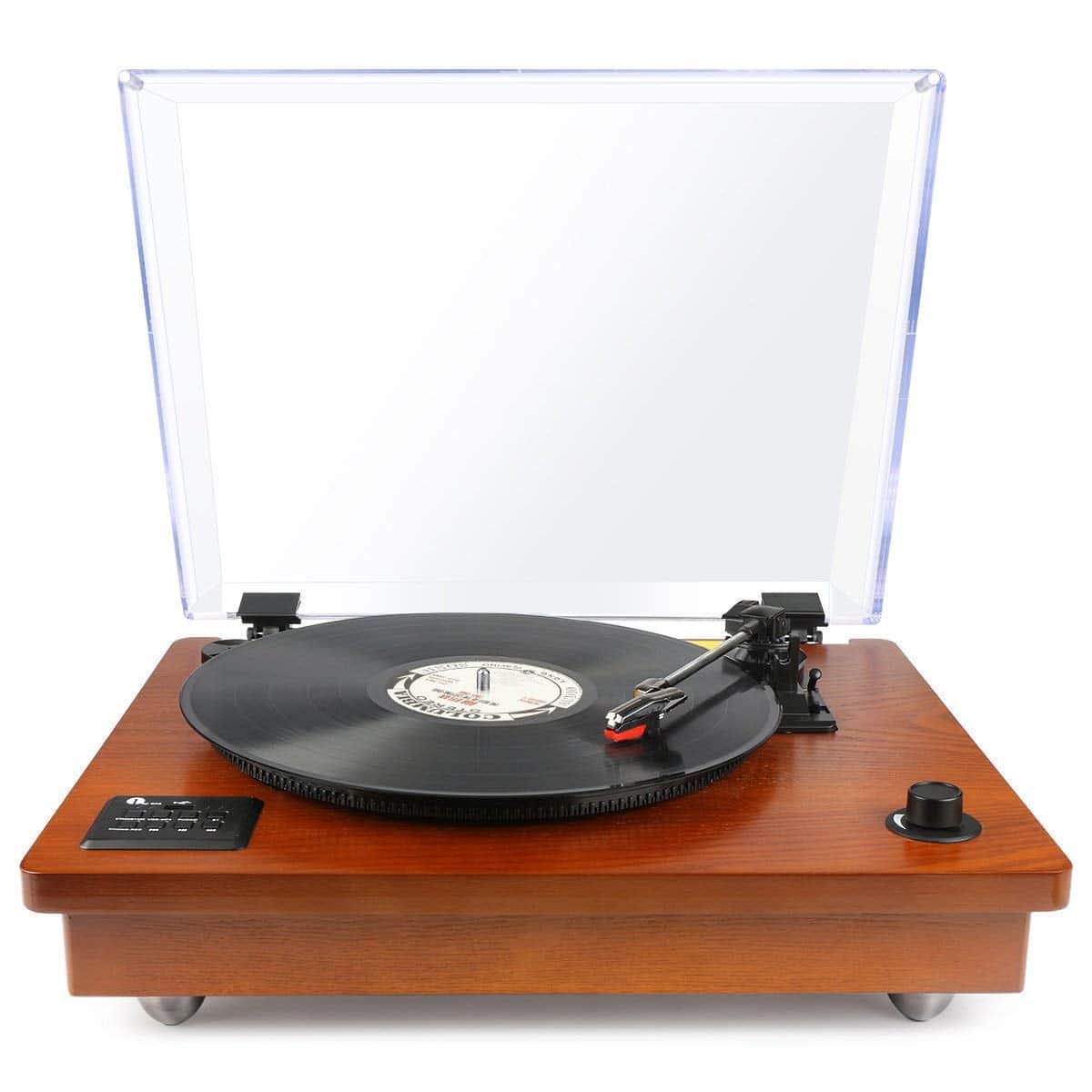
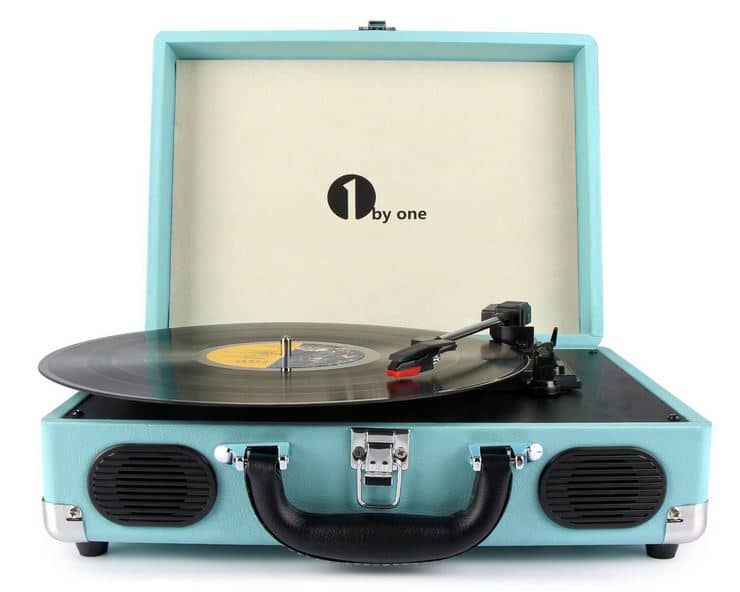
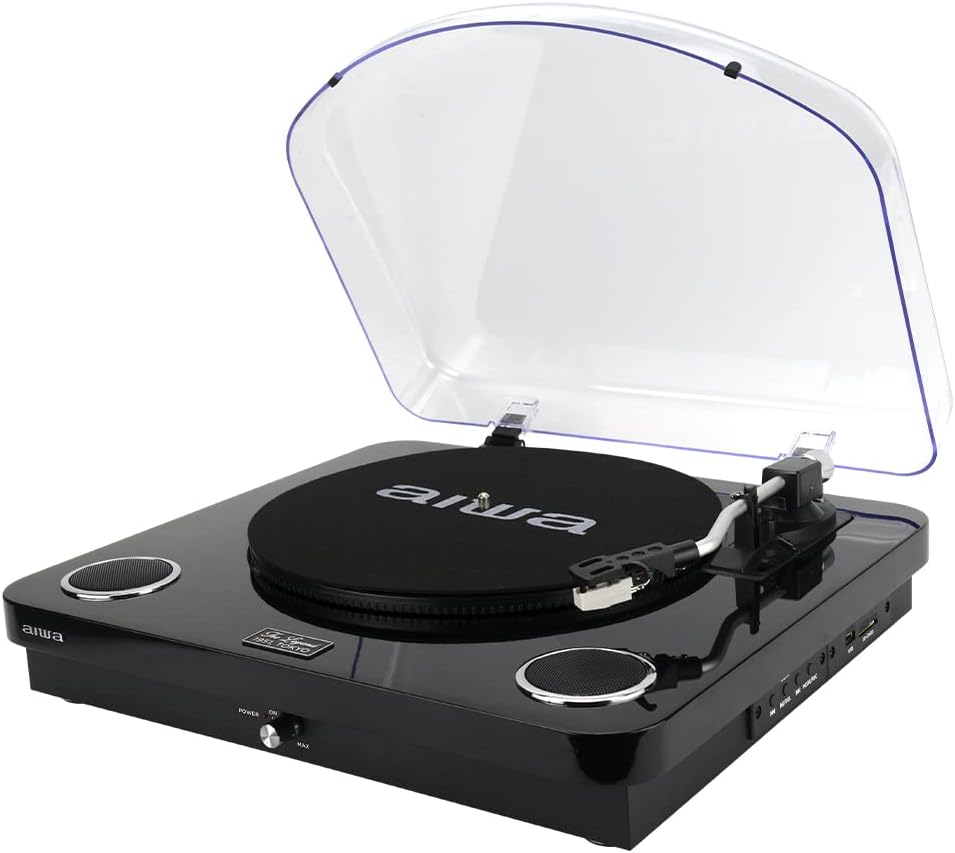
Some modern Bluetooth turntables combine several of these stages in one unit. For example, catalogue-listed Bluetooth-capable turntables include models such as the Audio-Technica AT-LP60XBT, Audio-Technica AT-LP3XBT, Audio-Technica AT-LP70XBT and House of Marley Revolution Wireless Turntable. These examples show the type of product category involved, not a recommendation or test result.
If your turntable has only red and white RCA output sockets and no Bluetooth output mode, you will usually need extra equipment. If it also lacks a built-in phono preamp, you will need a phono preamp before the Bluetooth transmitter.
2. Check whether your turntable has Bluetooth output, not just Bluetooth input
Bluetooth wording can be confusing. A device may have Bluetooth but only use it in one direction.
For this setup, the turntable must be able to send audio by Bluetooth. This is often described as Bluetooth output, Bluetooth transmit, wireless output, or pairing to Bluetooth speakers/headphones.
Bluetooth input means the opposite. It allows the unit to receive music from a phone and play it through built-in speakers, which will not help you send record audio to a separate Bluetooth speaker.
Check the manual, top panel labels and rear panel. Look for a Bluetooth button, pairing indicator, or a section in the manual that specifically mentions connecting to Bluetooth speakers or headphones.
A quick practical check:
- If the instructions say “pair your phone to the record player”, that is Bluetooth input.
- If the instructions say “pair the turntable with Bluetooth speakers or headphones”, that is Bluetooth output.
- If it only mentions Bluetooth without explaining direction, do not assume it can transmit.
If your turntable has Bluetooth output and a built-in phono stage, the setup is simpler. If it does not, skip ahead to the section on using a separate transmitter.
3. Check your Bluetooth speaker can receive from a turntable or transmitter
Most Bluetooth speakers are receivers, so they are usually suitable on the speaker side. However, some multi-room, smart or app-based speakers do not pair like ordinary Bluetooth speakers, or may require their own app to choose Bluetooth mode.
Put the speaker into its normal Bluetooth pairing mode. This is often shown by a flashing light, a voice prompt, or a button labelled Bluetooth or Pair.
Before involving the turntable, confirm the speaker works with a simple source such as a phone. Pair your phone, play a short track, and check that sound comes out at a normal level.
Then disconnect or forget that phone connection before pairing the turntable. Many speakers automatically reconnect to the last phone they used, which can stop the turntable or transmitter from finding them.
Good checks at this point:
- The speaker is powered or fully charged.
- The speaker is in Bluetooth mode, not auxiliary, optical or Wi-Fi mode.
- It is not already connected to a phone, TV or laptop.
- Its volume is low to start with, then raised gradually.
If the speaker has an auxiliary input as well as Bluetooth, keep that in mind. A wired connection may be useful for testing or for avoiding Bluetooth delay.
4. Method one: pair a Bluetooth-output turntable directly with the speaker
This is the neatest method when your turntable supports Bluetooth transmission. Place the turntable and speaker reasonably close together for the first pairing, ideally in the same room and away from large metal objects or a busy Wi-Fi router.
Use this order:
- Fit the stylus guard while you are moving or adjusting the turntable.
- Place the turntable on a stable, level surface.
- Set the speaker volume low.
- Turn on the speaker and put it into Bluetooth pairing mode.
- Turn on the turntable.
- Activate the turntable’s Bluetooth output or pairing mode.
- Wait for the pairing light or voice prompt to confirm connection.
- Remove the stylus guard only when you are ready to play a record.
- Start a record and raise the speaker volume slowly.
If the turntable has built-in speakers, check whether they mute automatically when Bluetooth is connected. Some units may have a switch for internal speakers, external output or Bluetooth output.
How to check this step is correct:
- The speaker confirms pairing before the record starts.
- The turntable’s Bluetooth light becomes steady or changes colour, if it has one.
- You hear music from the Bluetooth speaker when the stylus is on the record.
- The sound is not coming only from built-in speakers on the record player.
If there is no sound, stop the record before changing settings. Do not leave the stylus sitting in the groove while you repeatedly switch modes and raise volume.
5. Method two: use a Bluetooth transmitter with a standard turntable
If your turntable does not transmit Bluetooth, you can add a Bluetooth transmitter. The transmitter must receive a suitable analogue signal and send it wirelessly to the speaker.
The key point is where the transmitter sits. It normally needs to be connected after a phono preamp, not directly to a bare phono cartridge output.
There are three common situations:
- Turntable with built-in phono preamp: connect the turntable’s line output to the Bluetooth transmitter.
- Turntable without built-in phono preamp: connect turntable to phono preamp, then phono preamp to Bluetooth transmitter.
- Amplifier or receiver with record out, tape out or line out: connect that line-level output to the Bluetooth transmitter, if available.
Use this order for a separate transmitter:
- Turn all equipment off.
- Connect the turntable to the phono preamp if one is required.
- Connect the phono preamp or line output to the Bluetooth transmitter.
- Power the transmitter.
- Put the speaker into pairing mode.
- Put the transmitter into pairing mode.
- Wait for a confirmed connection.
- Start the record with volume low and raise it gradually.
Do not connect a turntable’s raw phono output straight into a transmitter that expects line level, unless the transmitter specifically includes a phono input. The result will usually be extremely quiet, thin and lacking bass.
If the sound is harsh and overloaded, you may have the opposite problem: a line-level signal feeding a phono input or too much gain before the transmitter. Stop playback and check the labels on the sockets and switches.
6. Set the phono or line switch correctly
Many modern turntables have a small switch marked Phono/Line. This switch decides whether the built-in phono preamp is bypassed or used.
Use Line when connecting directly to a Bluetooth transmitter, powered speaker input, soundbar input or most auxiliary inputs. Line means the turntable has already boosted and equalised the phono signal.
Use Phono when connecting to a dedicated phono input on an amplifier, receiver, phono preamp or phono stage. Phono means the signal is still very low and needs phono amplification.
For Bluetooth speakers, you usually want the signal reaching the Bluetooth transmitter to be line level. If the turntable itself transmits Bluetooth, the internal design should handle this for you.
Simple check:
- Too quiet, thin and tinny: the signal may still be phono level.
- Very loud, distorted or boomy: you may be applying phono amplification twice.
- Normal volume and balanced tone: the switch and signal path are probably correct.
Always lower the speaker volume before changing this switch. Some systems produce a pop or sudden level change when the output mode is altered.
7. Check playback safely and protect the stylus
Wireless setup often involves repeated pairing attempts, but a stylus is delicate. Treat the turntable as the fragile part of the system.
Before the first test, check the turntable basics:
- The platter mat is fitted.
- The record is clean enough to play.
- The stylus guard is removed only for playback.
- The tonearm tracking force is set if your turntable requires manual setup.
- The cueing lever lowers the stylus gently.
Start with a record you know well, not a rare or valuable pressing. Set the speaker volume low, lower the stylus, then listen for a few seconds.
Check for the following:
- Music starts from the Bluetooth speaker, not from the wrong device.
- Left and right channels are both present if your speaker setup is stereo.
- The sound is not badly distorted.
- There is no excessive hum, buzz or feedback.
- The record plays at the correct speed.
If something sounds wrong, lift the tonearm first. Then change one thing at a time, such as the switch position, transmitter input, speaker mode or pairing state.
Do not keep increasing the volume to solve a no-sound problem. If the missing stage suddenly connects, the speaker may play at a startling level and risk damaging hearing or equipment.
8. Understand Bluetooth delay, sound quality and everyday limitations
Bluetooth is convenient, but it is not the same as a direct wired hi-fi connection. The signal is converted, transmitted and decoded before it reaches the speaker.
This can introduce delay. For simple music listening, delay is often not important, but it may be noticeable if you can also hear the turntable’s built-in speaker, a second wired system, or acoustic sound from a portable player nearby.
Bluetooth can also compress the audio signal. The result may still be enjoyable for casual listening, but it is not the purist route if your aim is the best possible sound from a good cartridge and record collection.
Practical ways to improve reliability:
- Keep the first pairing distance short.
- Avoid placing the transmitter behind thick furniture or metal shelving.
- Keep the speaker away from the turntable if vibration causes skipping or feedback.
- Disconnect unused Bluetooth devices nearby during pairing.
- Use a wired connection when you want the most stable sound.
If your powered Bluetooth speakers also have wired RCA or auxiliary inputs, a cable may sound better and avoid delay. Catalogue-listed speaker examples such as Edifier R1280DB Powered Bluetooth Bookshelf Speakers and House of Marley Get Together Duo Bookshelf Speakers show the type of product that may offer more than one connection method, but always check the specific input options on your own unit.
9. Troubleshoot common problems in the right order
When Bluetooth vinyl playback fails, work from the speaker backwards to the stylus. This stops you changing several things at once and losing track of the real cause.
If nothing pairs:
- Put the speaker into pairing mode again.
- Disconnect phones, tablets or TVs that may already be connected.
- Move the turntable or transmitter closer to the speaker.
- Restart both devices.
- Check that the turntable or transmitter is in Bluetooth transmit mode.
If pairing succeeds but there is no sound:
- Confirm the record is spinning and the stylus is lowered.
- Check the speaker is not muted and is on Bluetooth input.
- Check the transmitter is connected to an output, not an input.
- Check the Phono/Line switch position.
- Try a wired test from the turntable or preamp to another speaker or amplifier if possible.
If sound is quiet or thin, suspect a missing phono preamp or the wrong switch setting. If sound is distorted, suspect double preamplification, an overloaded input, a damaged stylus, or a speaker volume/input issue.
If sound drops out, check distance and interference first. Bluetooth is more vulnerable when the speaker is in another room, inside a cabinet, or near other wireless devices.
If only one channel plays, inspect the red and white RCA plugs. Red usually carries the right channel and white or black usually carries the left channel. A loose plug can make one side disappear.
10. Decide whether Bluetooth is the right long-term setup
Bluetooth speakers are useful if you want fewer cables, flexible placement or a simple living-room setup. They are especially attractive for listeners who already own a wireless speaker and want to enjoy records without building a full separates system.
However, a turntable is still an analogue source. If your priority is sound quality, low delay, simple fault-finding and stereo separation, powered speakers with a wired input or a traditional amplifier and speakers may be a better long-term route.
A sensible decision checklist:
- Choose direct Bluetooth output if you want the simplest setup.
- Choose a separate transmitter if you already own a turntable you like.
- Choose wired powered speakers if you want easier setup and better reliability.
- Choose an amplifier and passive speakers if you plan to upgrade gradually.
There is no single correct answer. The best choice depends on your room, equipment, patience with pairing, and whether convenience or sound quality matters more to you.
At a glance comparison
| Bluetooth-output turntable to Bluetooth speaker | Simplest route. Best when the turntable clearly supports Bluetooth transmission to speakers or headphones. |
|---|---|
| Standard turntable plus phono preamp plus Bluetooth transmitter | Useful if you already own a non-Bluetooth turntable. Requires correct Phono/Line setup and more cables. |
| Turntable wired to powered speakers | Often more reliable and may sound better. Not wireless, but avoids Bluetooth pairing problems and delay. |
| Turntable to amplifier and passive speakers | Most flexible for future upgrades. Takes more space and involves more equipment. |
Frequently asked questions
Can I connect any turntable to any Bluetooth speaker?
Not directly. The speaker must be able to receive Bluetooth, and the turntable side must be able to transmit Bluetooth or feed a separate Bluetooth transmitter. A standard turntable with only phono output will also need a phono preamp before most transmitters.
Why does my Bluetooth turntable connect to my phone but not to my speaker?
It may be a Bluetooth receiver rather than a transmitter. If it is designed to play phone audio through its own speakers, it is receiving Bluetooth. To connect to a Bluetooth speaker, it must have a mode for sending record audio out.
Will Bluetooth damage my records or stylus?
Bluetooth itself will not damage records or the stylus. The risk comes from handling the turntable while troubleshooting, dropping the tonearm, or leaving the stylus in the groove while repeatedly changing settings. Use the cueing lever and keep the stylus guard on during setup movements.
Why is the sound very quiet through my Bluetooth speaker?
The most likely cause is that the Bluetooth transmitter is receiving a phono-level signal instead of a line-level signal. Use the turntable’s Line setting if it has one, or add a phono preamp between the turntable and transmitter.
Why is there a delay when playing records through Bluetooth?
Bluetooth audio needs time to encode, transmit and decode the signal. This delay is normal. It is usually acceptable for music listening, but it can be distracting if another speaker or the turntable’s built-in speaker is playing at the same time.
Can I use Bluetooth headphones instead of a Bluetooth speaker?
Yes, if the turntable or transmitter supports Bluetooth output to headphones. The setup process is similar: put the headphones into pairing mode, then activate pairing on the turntable or transmitter. Start with the headphone volume low.
Is a Bluetooth transmitter the same as a Bluetooth receiver?
No. A transmitter sends audio to a speaker or headphones. A receiver accepts Bluetooth audio from a phone and outputs it by cable.
For a turntable feeding Bluetooth speakers, you need transmission from the turntable side.
Should I buy a Bluetooth turntable or add a transmitter to my current one?
If you are starting from scratch and want the simplest wireless setup, a turntable with clear Bluetooth output may be easiest. If you already own a good turntable, adding a suitable phono preamp and transmitter can be more practical than replacing the whole deck.
Final thoughts
Connecting a turntable to Bluetooth speakers is straightforward once you separate the job into stages. You need a record-playing source, the right phono or line-level signal, a Bluetooth transmitter, and a speaker that is ready to receive.
Start by confirming whether your turntable has Bluetooth output. If it does, pair it directly with the speaker and test at low volume. If it does not, use a phono preamp where needed, then feed a Bluetooth transmitter.
For your next step, check your turntable manual for Bluetooth direction and Phono/Line settings. If you are still choosing equipment, read next about built-in phono preamps, powered speakers, and the differences between Bluetooth turntables and wired turntable systems.