Quick answer
Turntable speed is the rate at which the platter rotates, measured in revolutions per minute, or rpm. Most modern LP albums play at 33⅓ rpm, most 7-inch singles play at 45 rpm, and older shellac records commonly play at or around 78 rpm.
The correct speed keeps the music at the intended pitch and tempo. If the speed is wrong, voices and instruments will sound unnaturally high or low, songs will finish too quickly or too slowly, and some records may need different stylus or cartridge arrangements to play safely.
In this guide
- What 33⅓, 45 and 78 rpm actually mean
- How record size and speed relate, and why size alone is not enough
- How to choose the correct speed before lowering the stylus
- Why wrong speed changes pitch, tempo and the feel of the performance
- Why 78 rpm records often need a different stylus
- How to recognise speed problems such as drift, wow and incorrect belt position
- What to check when buying a turntable if you own mixed record formats
Watch the article video
1. What rpm means on a turntable
Rpm stands for revolutions per minute. On a turntable, it tells you how many complete rotations the platter makes in one minute.
A record groove is cut so that the stylus traces the music correctly at a particular speed. When the platter turns at that speed, the stylus moves through the groove at the intended rate and the music plays at the correct pitch and timing.
The important point is that speed is not just a convenience setting. It is part of how the record stores the sound. A record cut for 45 rpm cannot sound correct at 33⅓ rpm, even if it physically fits on the platter.
The three speeds most beginners will meet are:
- 33⅓ rpm, usually used for LP albums and many 12-inch records
- 45 rpm, usually used for 7-inch singles and some 12-inch singles or audiophile pressings
- 78 rpm, usually used for older shellac records, not modern vinyl LPs
Some equipment and record labels round 33⅓ to 33 and 78.26 to 78. That is normal. In everyday listening, people usually say “thirty-three”, “forty-five” and “seventy-eight”.
2. 33⅓ rpm: the usual LP album speed
33⅓ rpm is the standard speed for most long-playing records, commonly called LPs. These are often 12-inch records containing an album, with several tracks on each side.
The slower speed allows more playing time than 45 rpm because the groove can be arranged to cover a longer programme on one side. That is why 33⅓ rpm became the normal speed for albums.
For a beginner, the simplest assumption is that a 12-inch album with multiple songs per side is likely to be 33⅓ rpm. However, it is still worth checking the label because some 12-inch records, especially singles and special editions, use 45 rpm.
If you play a 33⅓ rpm LP at 45 rpm, everything will sound too fast and too high. Vocals may become almost comical, drums will feel rushed, and the side will finish much sooner than expected.
If your turntable has a speed switch, set it to 33 or 33⅓ before starting most albums. If your turntable changes speed by moving a belt on a pulley, switch the motor off and follow the maker’s instructions rather than moving the belt while the platter is running.
3. 45 rpm: singles, EPs and some high-quality pressings
45 rpm is most often associated with 7-inch singles. These records usually have one track per side, although extended play records, known as EPs, may have more.
Many 7-inch records have a large centre hole. To play them on a standard turntable spindle, you need a 45 rpm adaptor. The adaptor only centres the record; it does not change the speed by itself.
Some 12-inch records also play at 45 rpm. This is common with dance singles, DJ records, some extended mixes and some records made for better sound quality rather than maximum playing time.
A 45 rpm record has less playing time for a given side length than a 33⅓ rpm record, but the faster speed can help with groove spacing and high-frequency detail when the record is mastered that way. That does not mean every 45 rpm pressing automatically sounds better, but it explains why the speed is sometimes used for premium or single-track releases.
If a 45 rpm record is played at 33⅓ rpm, it will sound slow, low and heavy. Vocals will drop in pitch, percussion will lose urgency, and the music may feel as if it is dragging.
4. 78 rpm: older records need extra care
78 rpm records are usually much older than modern vinyl LPs and singles. Many are made from shellac, a harder and more brittle material than vinyl.
The main beginner mistake is assuming that a turntable with a 78 rpm speed can safely play every 78 rpm record with the same stylus used for LPs. In many cases, that is not right. Traditional 78 rpm discs have wider grooves and normally require a dedicated 78 stylus with a larger tip.
Using a modern microgroove LP stylus on a shellac 78 may give poor sound, increased noise and possible groove damage. It may also be unkind to the stylus because shellac records can be more abrasive than vinyl.
There is another complication: “78” is a convenient name, not a guarantee that every early disc was cut at exactly the same speed. Some historical recordings were made at speeds slightly above or below 78 rpm. For casual listening, a standard 78 setting is often the starting point, but serious transfers may need adjustable speed.
If you want to explore 78 rpm records, look for three things:
- A turntable that actually offers 78 rpm playback
- A suitable 78 rpm stylus or cartridge option
- Careful handling, because shellac records can crack or chip more easily than vinyl
Do not clean shellac records in the same way as vinyl unless you know the cleaning fluid is suitable. Some alcohol-based fluids that may be used with vinyl can damage shellac.
5. Record size is a clue, not a rule
Many beginners try to identify speed by record size. This works often enough to be useful, but not reliably enough to be the only method.
A typical pattern is:
- 12-inch LP album: usually 33⅓ rpm
- 7-inch single: usually 45 rpm
- 10-inch shellac record: often 78 rpm
- 12-inch dance single: often 45 rpm, but sometimes 33⅓ rpm
The problem is that record companies have used different combinations over time. There are 10-inch LPs at 33⅓ rpm, 12-inch singles at 45 rpm, 7-inch records at 33⅓ rpm, and unusual records that break the normal pattern.
The most reliable place to check is the record label around the centre hole. It may say 33⅓, 45, 78, LP, EP, or sometimes “45 RPM” in small print.
If the centre label does not help, check the sleeve. If neither label nor sleeve gives the answer, start with the most likely speed for the format and listen carefully for obvious pitch problems.
6. How to choose the correct speed before playing a record
Choosing the correct speed becomes quick once you have done it a few times. The aim is to confirm the speed before the stylus touches the record, rather than using the first few seconds of music as a test every time.
Use this simple routine:
- Look at the centre label for a printed speed.
- Check the sleeve if the label is unclear.
- Use the record size as a clue, not as final proof.
- Set the turntable speed before starting the platter or before lowering the tonearm.
- If it is a 7-inch record with a large centre hole, fit a 45 adaptor.
- If it is a 78 rpm disc, confirm that you have the correct stylus before playing it.
If the music starts and sounds obviously wrong, stop the record promptly and check the setting. You do not need to let a side run to prove the point.
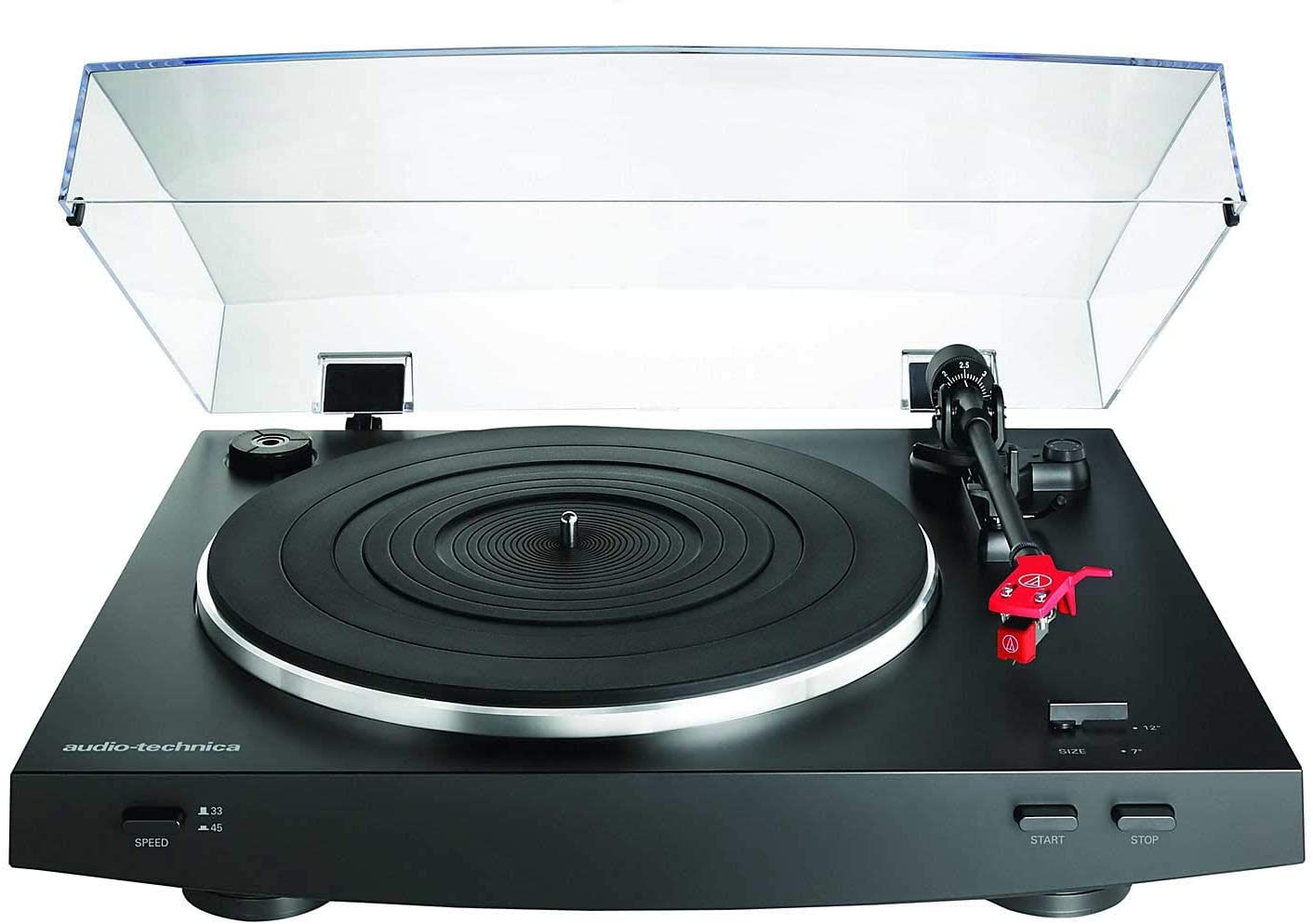
On automatic turntables, check whether speed and record size are linked. Some automatic models use size settings to place the tonearm correctly, while speed may be selected separately or semi-automatically. Read the controls carefully, because “size” and “speed” are related but not the same thing.
7. Why speed matters to pitch, tempo and musical feel
A record played at the wrong speed changes pitch and tempo together. Pitch means how high or low a note sounds. Tempo means how fast the music moves.
This is different from turning a volume knob. Volume changes loudness only, while platter speed changes the time base of the whole recording.
The difference between 33⅓ and 45 rpm is large enough to be instantly obvious. A 33⅓ rpm LP played at 45 rpm is about one third too fast, so the song becomes shorter and much higher in pitch.
Smaller speed errors can still matter. If a turntable runs slightly fast, music may sound a little bright, tense or energetic. If it runs slightly slow, it may sound dull, heavy or sluggish.
Some listeners notice speed errors most clearly on piano, sustained guitar chords, strings and long vocal notes. These sounds make pitch instability easier to hear than busy percussion or heavily processed music.
Correct speed is also important if you play along with records on an instrument. A turntable running noticeably fast or slow can make a record sit between normal musical pitches, which is frustrating for practice.
8. Speed accuracy, wow and flutter in plain English
Speed accuracy means how close the turntable is to the intended speed. A perfectly labelled 33⅓ rpm setting is only useful if the platter actually rotates at that speed.
Wow and flutter are forms of speed variation. Wow is slower wavering, while flutter is faster trembling. Both can make sustained notes sound unsteady.
In everyday terms, imagine a singer holding one note while the pitch gently rises and falls. That can be caused by speed instability, an off-centre record, a worn belt, a dirty pulley, a warped disc, or a turntable that is not running smoothly.
Beginners sometimes blame the record immediately, but the turntable setup is worth checking first. A belt-drive deck with an old or stretched belt may run inconsistently. A platter that is not seated correctly can also cause problems.
Basic checks include:
- Make sure the record is centred on the spindle
- Check that the platter is fully fitted
- Confirm the belt is on the correct pulley step if the design uses one
- Replace a slack, glazed or perished belt with the correct type
- Keep the stylus, record and platter area clean
- Place the turntable on a stable, level surface
There are phone apps and strobe discs that can help indicate platter speed, but treat them as aids rather than perfect laboratory instruments. If an app suggests a small error but the record sounds stable and natural, do not panic. If the error is large or audible, it is worth investigating.
9. Manual speed change versus electronic speed selection
Turntables change speed in different ways. Some have a simple button or switch for 33 and 45. Others require the belt to be moved to a different part of the motor pulley.
Electronic speed selection is convenient because you can change speed from the top panel. This is helpful if you regularly swap between LPs and singles.
Manual belt movement is less convenient but still common on many belt-drive designs. In these cases, the motor pulley has different steps for different speeds. Moving the belt changes the platter speed by altering the drive ratio.
Neither method automatically tells you whether a turntable is better. What matters is whether the deck holds speed steadily, is correctly set up, and suits the records you actually own.
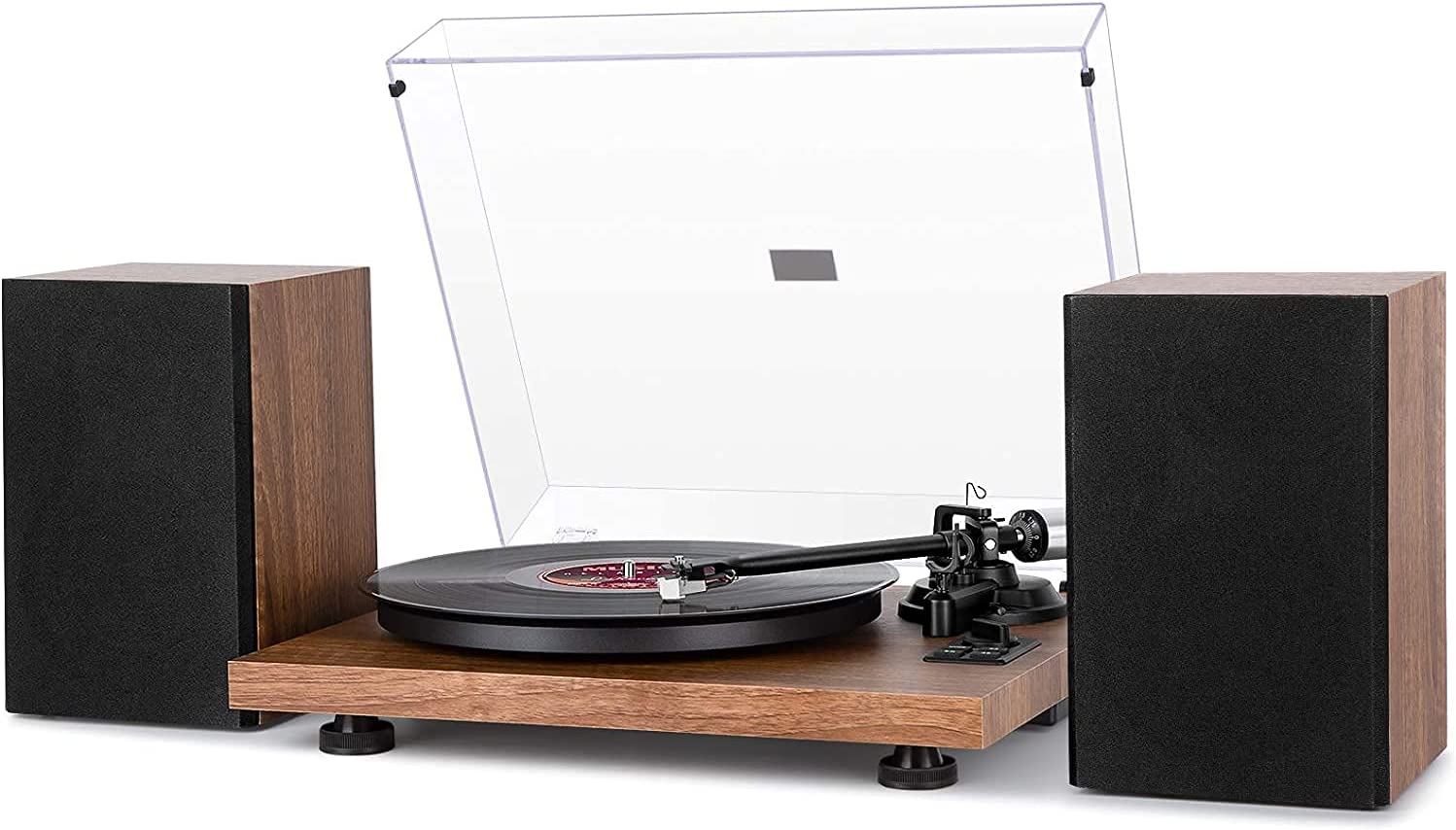
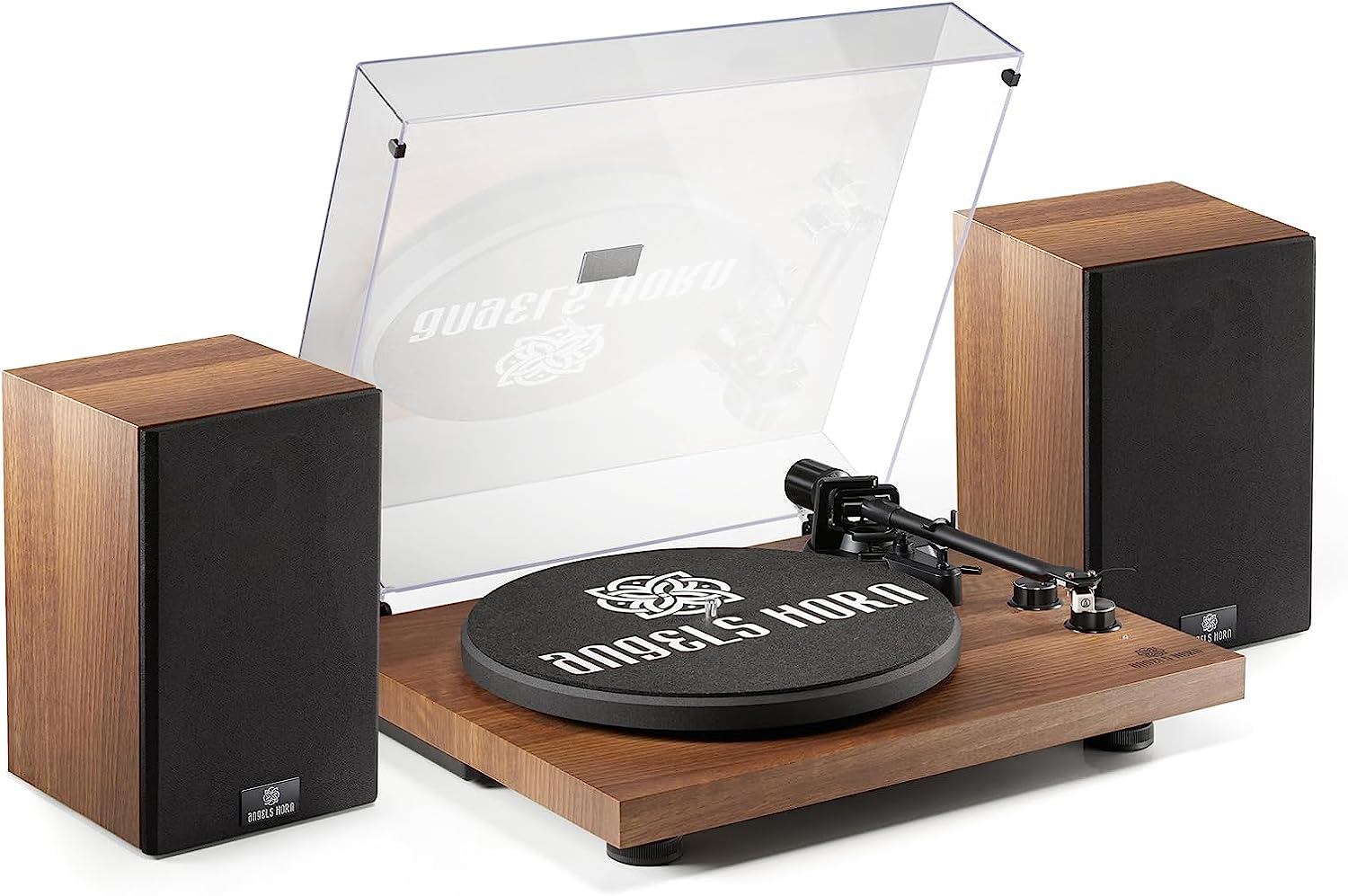
For example, catalogues often include belt-drive record players, Bluetooth record players, USB turntables, automatic turntables and direct-drive turntables. Those categories describe features and drive arrangements, but you still need to check the listed speeds and whether 78 rpm support is available if you need it.
If you are buying your first turntable, ask yourself:
- Do I mainly own modern LPs and 7-inch singles?
- Do I need 78 rpm for older records?
- Will I find manual belt changes annoying?
- Do I need automatic operation, or am I happy cueing the arm myself?
- Is a replaceable cartridge or stylus important for future flexibility?
A turntable that plays 33⅓ and 45 rpm well is enough for many listeners. A 78 rpm button is only genuinely useful if the cartridge and stylus arrangements also suit 78 rpm records.
10. Common speed problems and what to do
If a record sounds wrong, work through the simplest explanations first. Most speed problems are caused by a setting, adaptor, belt or record issue rather than a mysterious fault.
If the music is dramatically too fast or too slow, check the speed switch. A 45 rpm record at 33⅓ rpm and a 33⅓ rpm record at 45 rpm are the classic beginner mix-ups.
If a 7-inch single wobbles from side to side, check the centre hole and adaptor. A large-hole single needs to be centred securely. Poor centring can cause audible pitch wavering once per rotation.
If every record sounds slightly slow, check the belt and drive path. On belt-drive turntables, the belt may be on the wrong pulley step, twisted, dirty, stretched or slipping. Use the correct replacement belt rather than guessing by size.
If only one record sounds wobbly, look at the record itself. An off-centre pressing can make the tonearm sway gently left and right, causing pitch to rise and fall. This is a record manufacturing issue, not necessarily a turntable fault.
If the turntable has pitch control, make sure it is centred or set to the correct reference point. Pitch control is useful for DJ work and correction, but it can also accidentally leave a deck running fast or slow.
If you hear scraping, mistracking or distortion rather than a pure speed problem, stop and check the stylus, tracking force and record condition. Not every odd sound is caused by rpm.
11. Buying and collecting with speeds in mind
Your record collection should guide your speed needs. A listener with modern albums and singles can usually focus on reliable 33⅓ and 45 rpm playback. A collector of pre-LP records should think carefully about 78 rpm support before buying.
When reading a turntable listing, do not stop at broad labels such as “Bluetooth”, “USB”, “automatic” or “retro”. Those features may be useful, but they do not by themselves tell you whether the deck offers all speeds or whether it has a suitable stylus for older records.
Look for clear speed information in the specification. Common wording includes 33/45, 33/45/78, three-speed, pitch control, quartz lock, belt drive or direct drive. If 78 rpm is important, also look for stylus compatibility information.
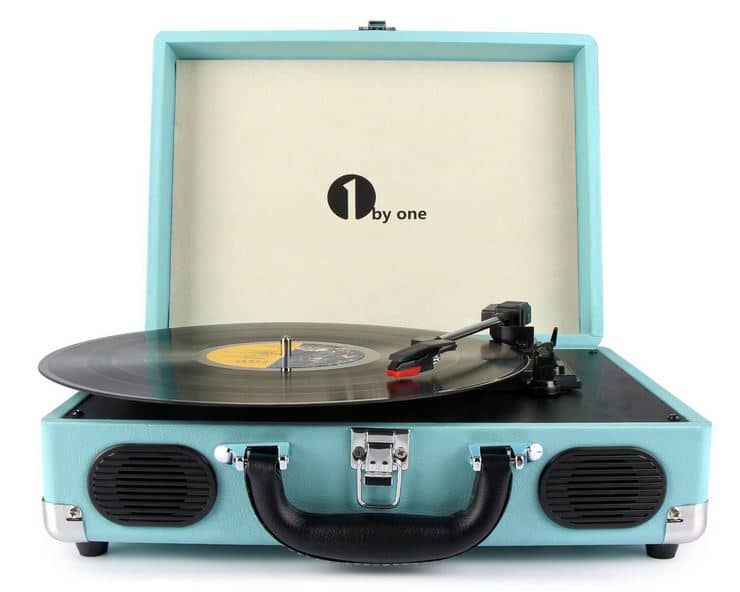
Be cautious with all-in-one retro-style players if you plan to build a serious record collection. Some are made for convenience and casual use, and their speed support, stylus options and tracking arrangements can vary. That does not make every such player unsuitable, but it does mean you should check the details rather than assuming.
If you are unsure what you will collect, a sensible beginner priority list is:
- Stable 33⅓ and 45 rpm playback.
- A replaceable stylus from a known type.
- Adjustable or correctly set tracking force.
- A platter and tonearm arrangement that treats records gently.
- 78 rpm capability only if you genuinely plan to play 78s.
The best choice is not the one with the longest feature list. It is the one that plays your records at the correct speed, with suitable setup and a stylus that matches the groove.
At a glance comparison
| 33⅓ rpm | The normal speed for most LP albums, especially 12-inch records with several tracks per side. |
|---|---|
| 45 rpm | Common for 7-inch singles and some 12-inch singles, EPs and special pressings. Often needs a centre adaptor on large-hole singles. |
| 78 rpm | Common for older shellac records. Usually needs a suitable 78 stylus, not just a 78 speed setting. |
| Record size | A useful clue, but not proof. Always check the centre label or sleeve when possible. |
Frequently asked questions
Can playing a record at the wrong speed damage it?
Playing at the wrong speed for a short moment is unlikely to be the main cause of damage on a modern vinyl record. The bigger risks are using the wrong stylus, too much tracking force, a damaged stylus or rough handling.
For 78 rpm shellac records, stylus choice matters more. A normal LP stylus is usually not the right tool for traditional 78 grooves.
Why do some albums come as 45 rpm double LPs?
Some albums are spread over more sides at 45 rpm to allow more space for the grooves and potentially improve sound quality. The trade-off is shorter playing time per side, so you have to change sides more often.
Do not assume the speed from the album format. If a record says 45 rpm, use 45 even if it looks like a normal 12-inch LP.
What is the small plastic piece for 7-inch records?
That is usually a 45 rpm adaptor. It lets a large-hole 7-inch single sit centred on a standard turntable spindle.
It does not change the speed. You must still select 45 rpm on the turntable.
My record sounds wobbly once every turn. Is the speed wrong?
Possibly, but a once-per-rotation pitch wobble is often caused by an off-centre record. Watch the tonearm from above while the record plays; if it sways left and right, the hole may not be perfectly centred.
A warped record can also cause audible instability, though warps usually move the arm up and down rather than side to side.
Do Bluetooth or USB features affect turntable speed?
Bluetooth and USB features do not decide the record speed. They relate to how the audio signal is sent to speakers, headphones or a computer.
You still need the platter to rotate at the correct rpm before any wireless or digital feature can sound right.
Is direct drive better for speed than belt drive?
Direct-drive turntables can offer quick start-up and strong speed control, which is one reason they are common in DJ use. Belt-drive turntables can also maintain accurate speed when well designed and correctly maintained.
For a beginner, do not judge by drive type alone. Check setup, condition, speed options and whether the turntable suits your records.
How can I tell if my turntable is slightly fast or slow?
Listen to familiar music first. If every record sounds a little sharp, rushed, flat or sluggish, there may be a speed issue.
You can also use a strobe disc or a phone speed app as a rough check. If the result suggests a clear problem, inspect the belt, pulley, pitch control and platter setup.
Do I need 78 rpm playback on my first turntable?
Only if you plan to play older 78 rpm records. Most modern vinyl collections use 33⅓ and 45 rpm.
If you do want 78s, make sure the turntable supports 78 rpm and that a suitable 78 stylus or cartridge option is available.
Final thoughts
Turntable speeds are simple once you connect the number to the record in front of you. 33⅓ rpm is the everyday album speed, 45 rpm is common for singles and some special pressings, and 78 rpm belongs mainly to older records that often need a different stylus.
For normal listening, correct speed matters because it controls pitch, tempo and musical feel. The wrong setting can make a good record sound completely unnatural, while smaller speed faults can make sustained notes seem unsteady or slightly out of tune.
Your practical next step is to check the speed marking on each unfamiliar record before playing it, confirm whether your turntable changes speed by switch or belt movement, and be cautious with 78 rpm discs until you have the right stylus. After this, the most useful next topic is cartridge and stylus basics, because the stylus is the part that actually reads the groove and has a major effect on sound and record care.